

Redirects
Forward visitors from one domain to another with a permanent or temporary redirect, without editing .htaccess.
Redirects forward visitors from this website to another address. Applies to all WordPress Cloud packages.
Open a website and select Redirects.
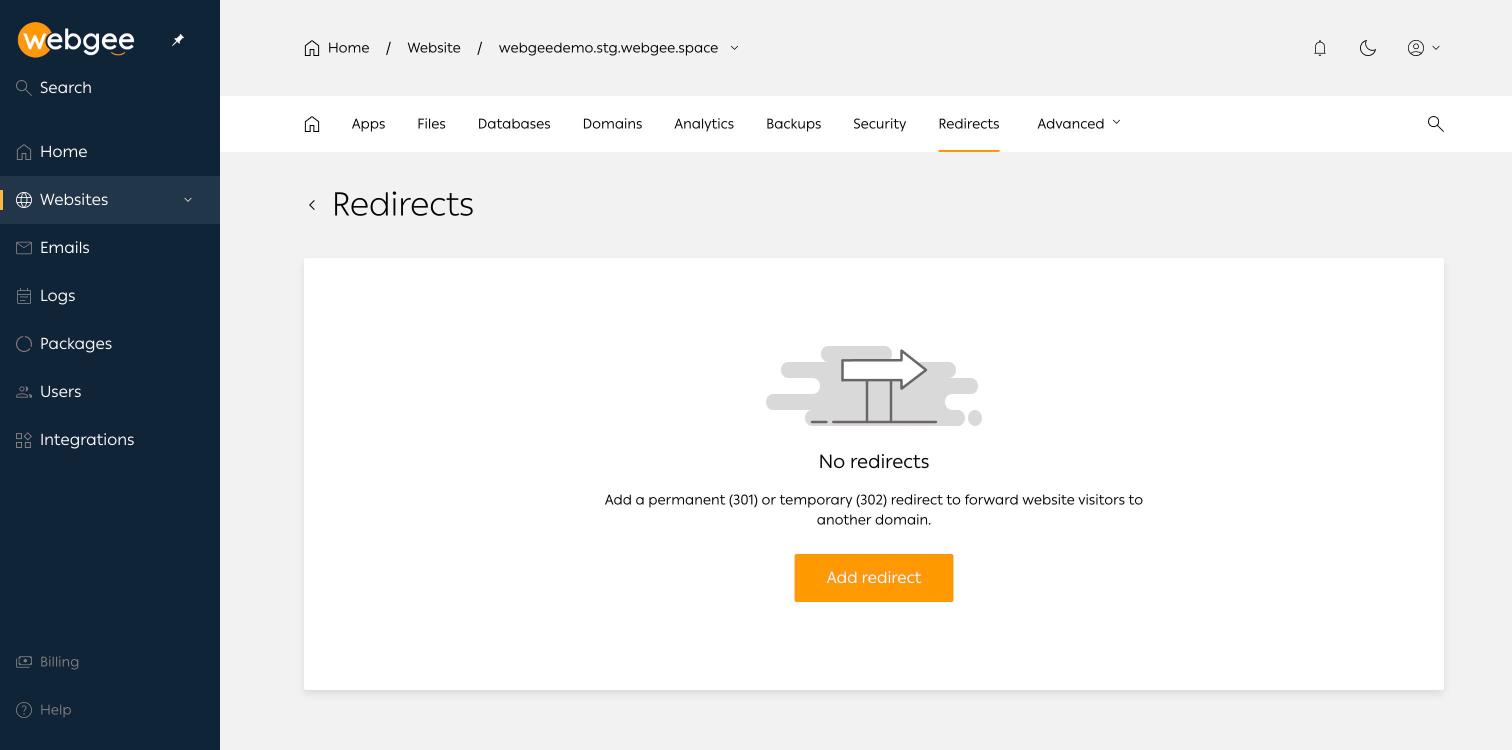
Select Add redirect and choose the type:
- Permanent (301) — the address has moved for good. Search engines transfer ranking to the destination and browsers cache the redirect.
- Temporary (302) — the address will come back. Nothing is transferred and nothing is cached long term.
Browsers cache 301s aggressively and will keep following one after you delete it. Use 302 while you are testing, and switch to 301 only once you are certain the destination is right.
Choosing between a redirect and a domain
Use a redirect when the destination is a different site. If you simply want two domains to serve the same website, add the second domain to the website under Domains instead — a redirect would send visitors away rather than serving them.
Related
SSL certificates
Every WordPress Cloud site gets a free Let's Encrypt certificate. How to force HTTPS, and how to install a certificate you bought elsewhere.
Email accounts
Create mailboxes and forwarders on a WordPress Cloud domain, set spam thresholds and out-of-office replies, and find the IMAP, POP and SMTP settings.