

Connect Cloudflare and Slack
Synchronise your DNS with Cloudflare and control its proxy from the panel, or send website and user notifications into Slack.
Integrations connect the panel to services you already use. Select Integrations in the left navigation.
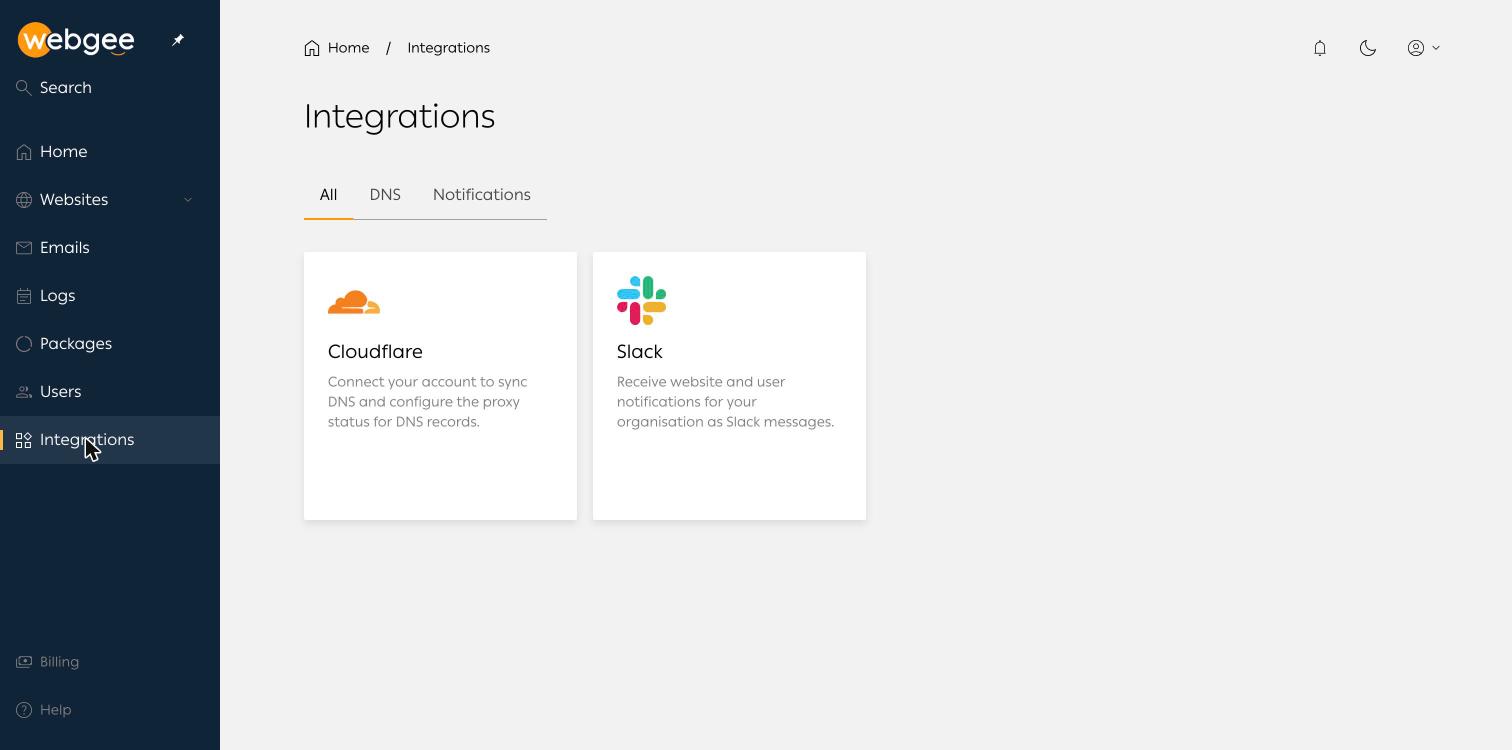
Two are available, filterable by DNS and Notifications.
Cloudflare
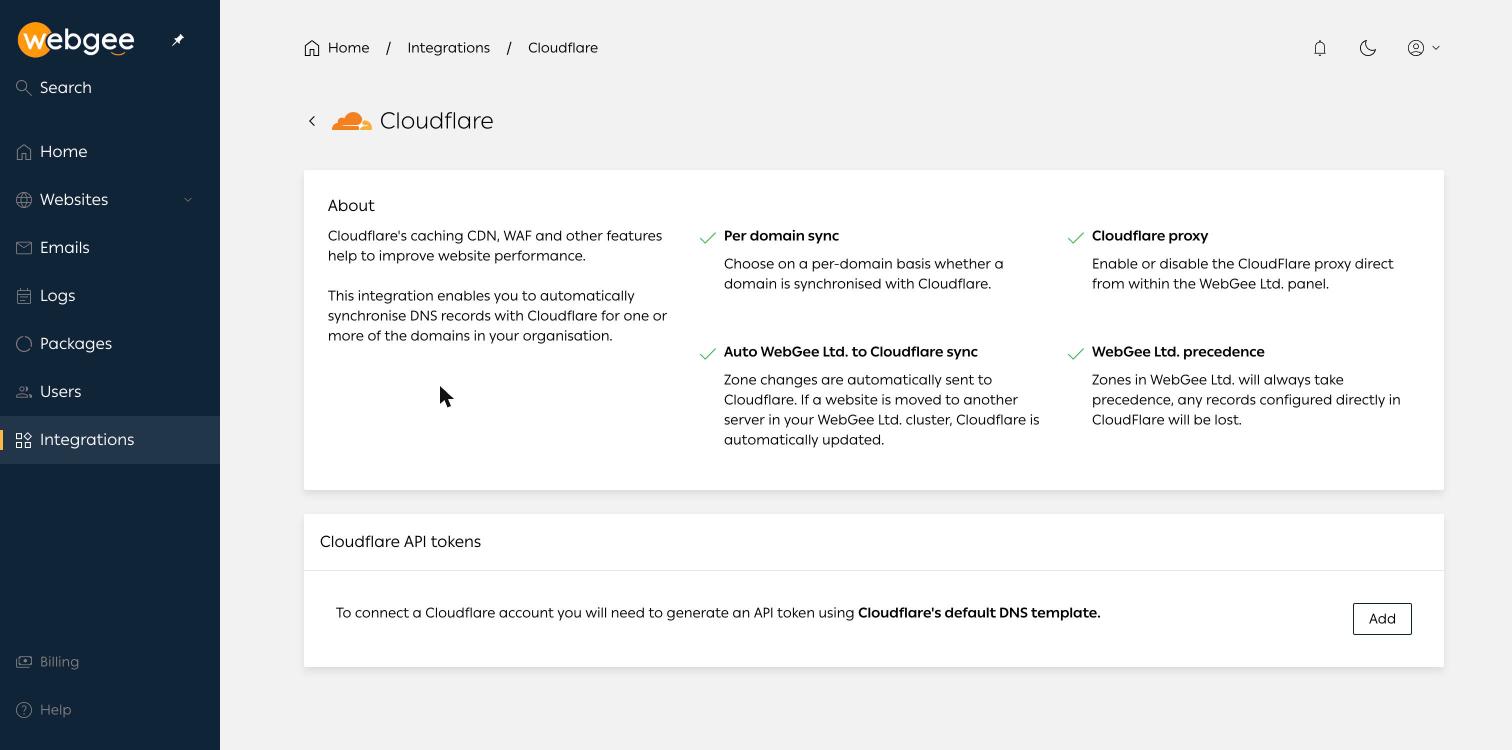
Connecting Cloudflare keeps your DNS zones synchronised and lets you turn the Cloudflare proxy on or off per domain without leaving the panel.
What it gives you:
- Per-domain sync — choose which domains are synchronised.
- Cloudflare proxy — toggle proxying from within the panel.
- Automatic sync — zone changes are pushed to Cloudflare. If a website moves to another server in the WebGee cluster, Cloudflare is updated for you.
Zones in the panel take precedence. Any record you created directly in Cloudflare for a synchronised domain will be lost. Recreate those records in the panel before you connect, or leave that domain out of the sync.
Connect it
Generate a Cloudflare API token using Cloudflare's default DNS template, then select Add under Cloudflare API tokens and paste it in.
Use a token scoped to the zones you actually want synchronised. A global key grants far more than this integration needs.
Slack
The Slack integration posts website and user notifications for your organisation into Slack.
Send them to a channel the right people already watch. Notifications that land somewhere nobody reads are worse than none, because they look like coverage.