

Set default files for new accounts
Use WHM's skeleton directory so every new cPanel account starts with your own placeholder page instead of a 403.
Give every new cPanel account you create a starting set of files. Applies to reseller accounts with WHM.
A new account has an empty public_html, so the domain returns 403 Forbidden
until something is uploaded. For a client who has just been handed their details,
that looks like a broken service.
The skeleton directory copies files into public_html and public_ftp on
every account created afterwards.
Set it up
-
Sign in to WHM as root.
-
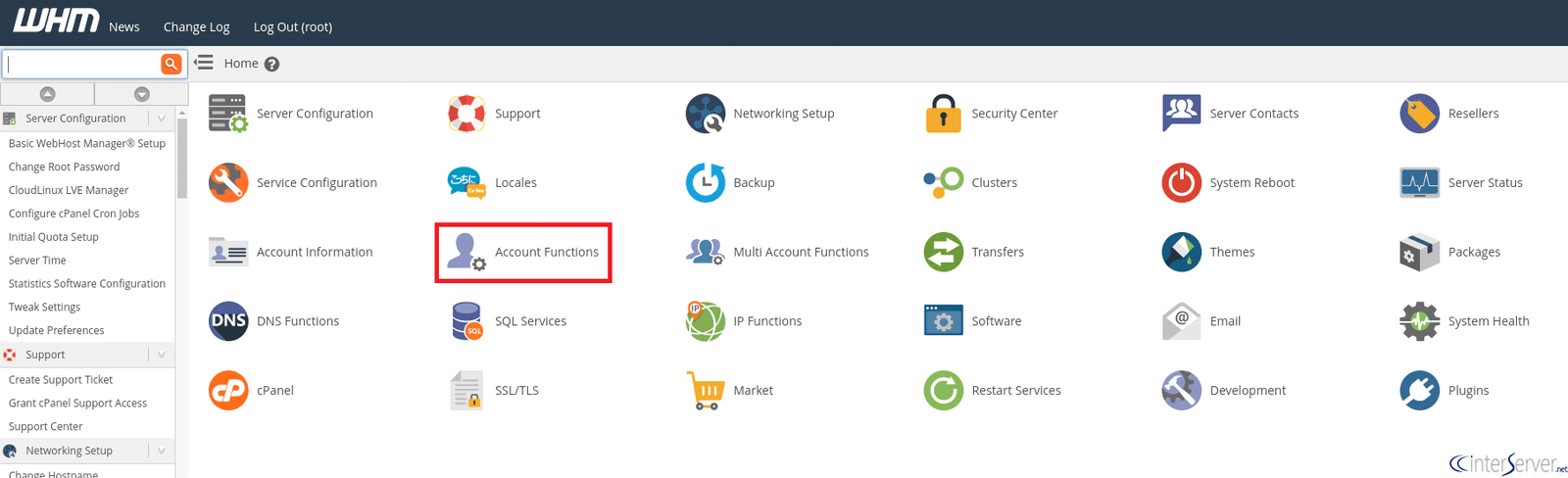
Open Account Functions.
-
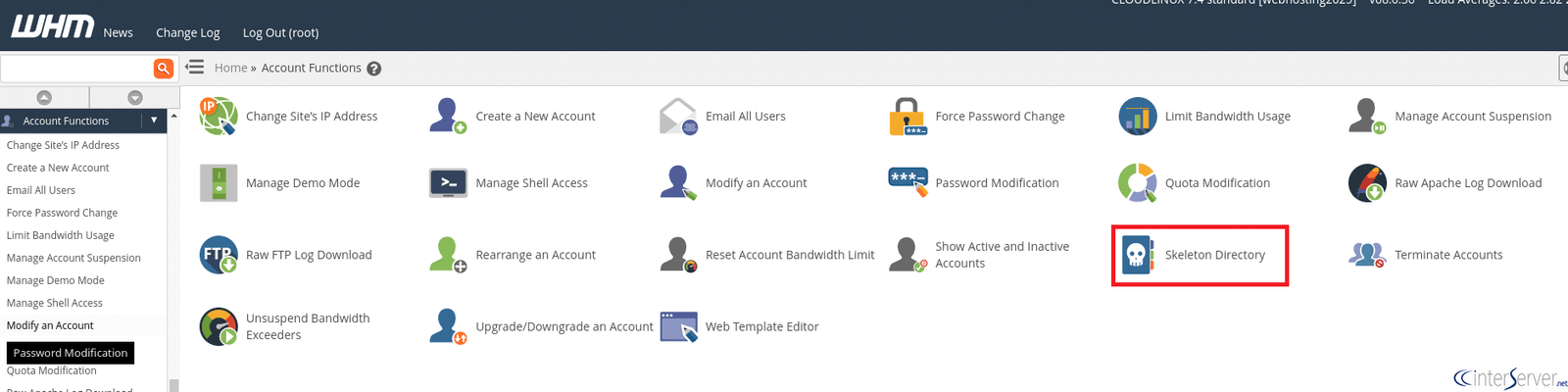
Select Skeleton Directory.
-
Add your files to the
public_htmlarea shown.
What to put there
A holding page. Something branded saying the site is being set up, with your contact details. Better than a 403, and better than the default parking page.
A default .htaccess, if you apply the same rules to every site — security
headers, or a redirect.
A robots.txt disallowing everything, so a half-built site is not indexed
before launch. Worth removing at go-live.
The skeleton applies only to accounts created after you set it up. Existing accounts are untouched, and there is no way to apply it retrospectively.
Keep it small
Every file is copied into every new account, so it counts against each client's disk quota. A holding page and a stylesheet, not a full template with image assets.
Check it worked
Create a test account and visit its domain. You should see your holding page. Terminate the test account afterwards.