

Aliases
Forward an address to one or more real mailboxes without paying for a mailbox — for role addresses, departed staff and catching mail after a rename.
An alias is an address that receives mail and hands it straight to somewhere else. It has no storage, no password and nobody signs into it, so it does not consume a mailbox from your plan.
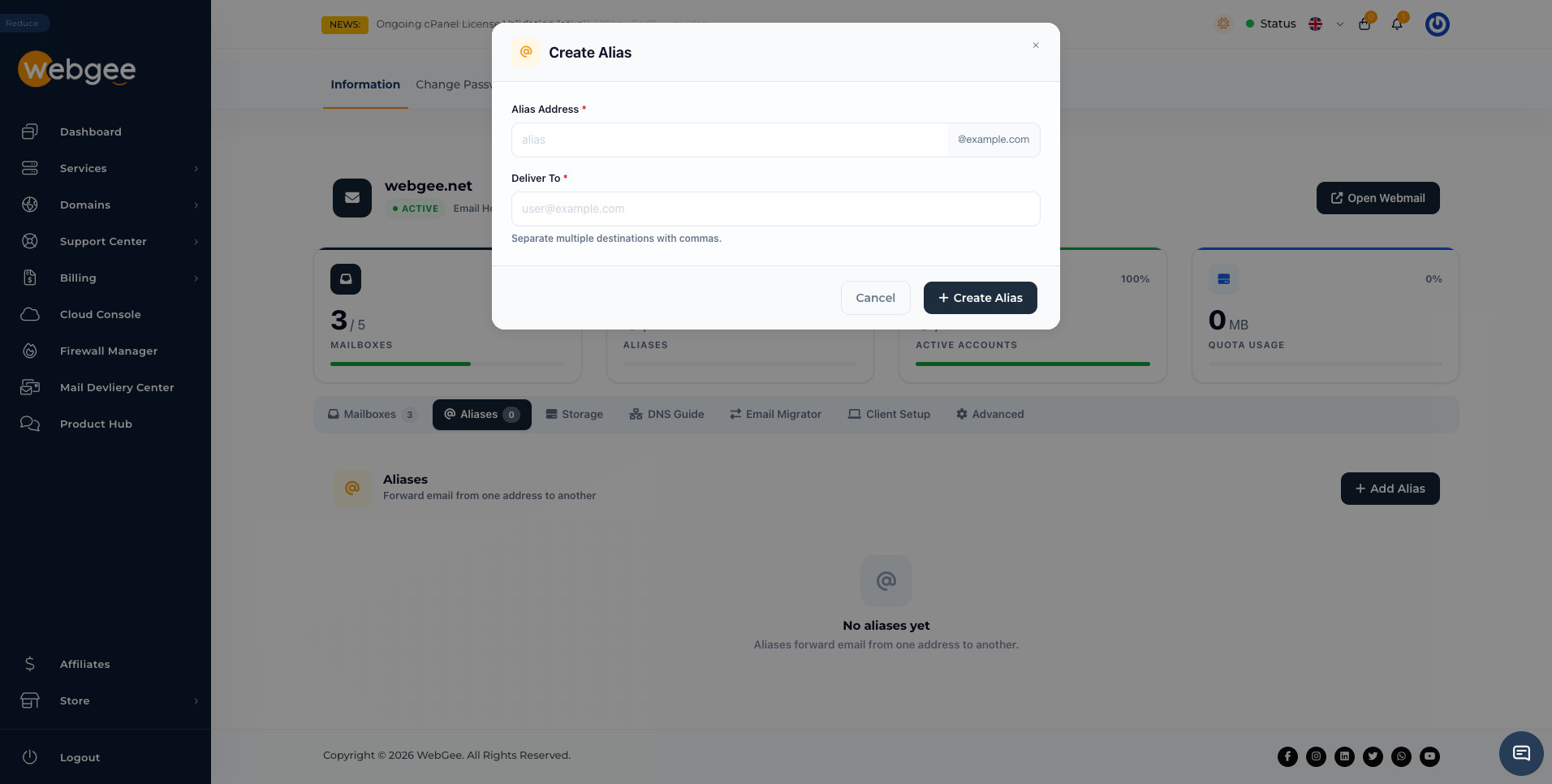
Create one
Select Add Alias, then fill in two fields:
| Field | Notes |
|---|---|
| Alias Address | The address that will receive mail |
| Deliver To | Where it goes. Separate multiple destinations with commas |
The destination does not have to be a mailbox on your domain. Forwarding to an outside address works, with one caveat worth knowing about below.
What aliases are actually for
Role addresses. sales@, support@, info@ and billing@ are better as
aliases pointing at whoever currently handles them. When that person changes,
you edit one alias instead of migrating a mailbox.
People who have left. Point their old address at their replacement. Mail keeps arriving, nothing bounces, and the address stays claimed.
Small shared inboxes. One alias with several destinations delivers a copy to each. That works for a handful of people; beyond that a real shared mailbox is easier to keep track of.
After a rename. Someone changes their surname, gets a new mailbox, and keeps the old address as an alias so nothing sent to it is lost.
Aliases against mailboxes
| Alias | Mailbox | |
|---|---|---|
| Counts against your mailbox limit | No | Yes |
| Uses storage | No | Yes |
| Can send mail | No | Yes |
| Can be signed into | No | Yes |
The consequence is the one people trip over: an alias cannot send. Mail sent
to sales@ arrives, but nobody can reply from sales@ unless their own
mail app is configured with it as a send-as identity — and doing that needs SPF
and DKIM to already be correct for your domain, which they are if you followed
the DNS Guide.
Forwarding to an outside address
Forwarding to Gmail, Outlook.com or another external provider makes WebGee the sender of a message it did not write. If that message is spam, the receiving provider counts it against WebGee's relay rather than the original sender. Enough of it and legitimate mail from your domain starts being filtered.
For an address that receives significant volume, a real mailbox that the person collects over IMAP is safer than blanket forwarding.
For a small role address that gets a handful of messages a day this is not worth worrying about. For a published address on a busy site, it is.